Sharing Your Wi-Fi Password Like It's 2026 (Not 2006)
Stop spelling out your Wi-Fi password letter by letter. QR codes, NFC tags, and smart sharing make connecting guests painless and secure.
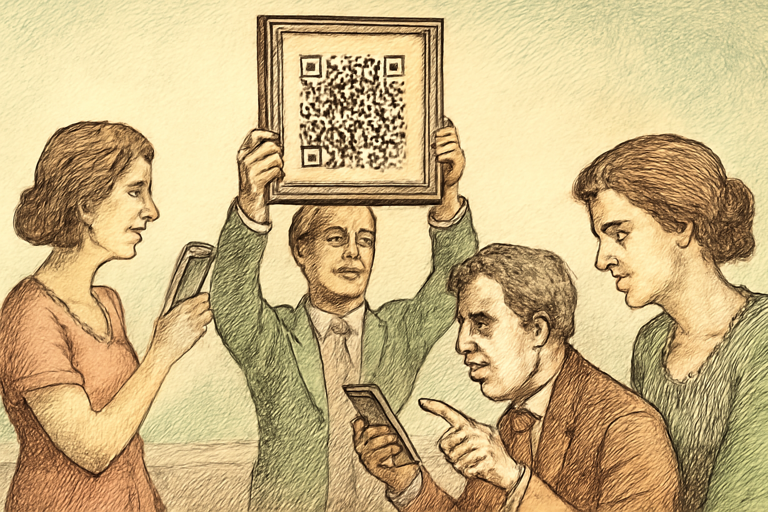
The year is 2026 and you’re still yelling “capital B lowercase r zero N seven exclamation mark… no, not the number seven, the… okay, let me just type it for you” at your friends.
There’s a better way.
Method 1: QR Code (The Easy Winner)
Generate a Wi-Fi QR code with your network name, password, and encryption type. Print it. Frame it. Put it on your fridge. Guests scan it with their phone camera, tap “Join,” and they’re connected. Zero spelling. Zero frustration. Zero guests seeing your password.
Use a QR code generator to create one. Select the Wi-Fi type, enter your network name and password, and download the QR code. It takes about 15 seconds.
For bonus points, design a nice little card with your QR code using the QR business card tool. Put it in a frame in your guest room. Hotels do this. You can too.
Method 2: Apple Share Password
If both you and your guest have iPhones, bring your devices close together when they try to connect. A popup appears offering to share the password. Tap “Share Password.” Done.
Downside: only works Apple to Apple. Android friends are still stuck spelling.
Method 3: Guest Network
The real pro move: set up a separate guest network on your router. Give it a simple password (or use the QR method above). Benefits:
- Guests can’t see your devices
- You can limit bandwidth
- You can change the guest password without changing your main network
- Your IoT devices (cameras, smart locks) stay on a separate network from random phones
Make a Strong Wi-Fi Password
If your Wi-Fi password is still “password123,” fix that first. Use a password generator to create something strong. It doesn’t have to be something you type regularly - if you’re using QR codes, your password can be 30 random characters. Nobody’s typing it.
The Wi-Fi Password Etiquette Guide
- Don’t ask immediately upon arriving. Wait until you’ve at least said hello.
- Don’t share the password with people who aren’t there. If someone gives you their Wi-Fi, don’t text it to your group chat.
- If you’re hosting, offer it proactively. “Wi-Fi password is on the fridge” is peak hospitality.
- Change it if you have a breakup. Seriously. They know your password. They might know your Netflix. Change everything.
The Future: Passpoint and Wi-Fi 7
Wi-Fi Alliance is pushing Passpoint, which lets you connect to networks using certificates instead of passwords. Hotels and airports already use it. Eventually, home routers will support it too, and we’ll never spell out passwords again.
Until then, print a QR code. It’s free, it takes 15 seconds, and you’ll never have to yell “no, it’s a zero not an O” again.